



Back to FAQs
How can I change my dog's info?
To update your dog’s information, follow these steps:
1. Go to the Profile tab at the bottom of the screen.
2. Click on the “Edit” button.
3. On the Edit screen, make the desired changes to your dog’s details.
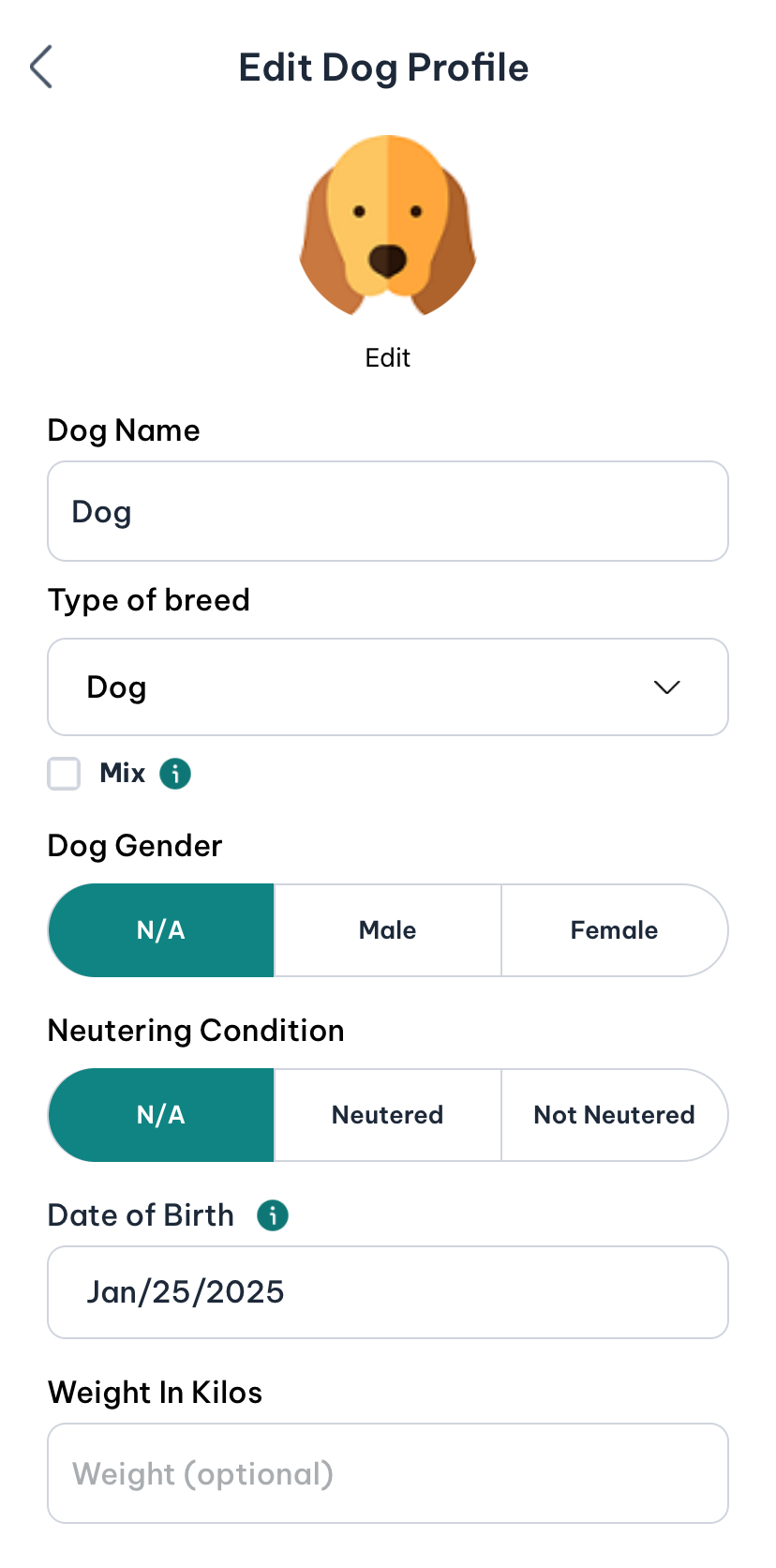
4.Click “Save” when you’re done, and the updated information will be saved to your dog’s profile.
 Continue in App
 Continue in