



Back to FAQs
How do I change my profile picture?
Changing your profile picture is done through the Profile section.
1. Start by clicking on the "Profile" tab at the bottom of the screen.
2. Click on the “Edit” button.
3. On the Edit screen, click on the circle at the top of the page to select a new photo.
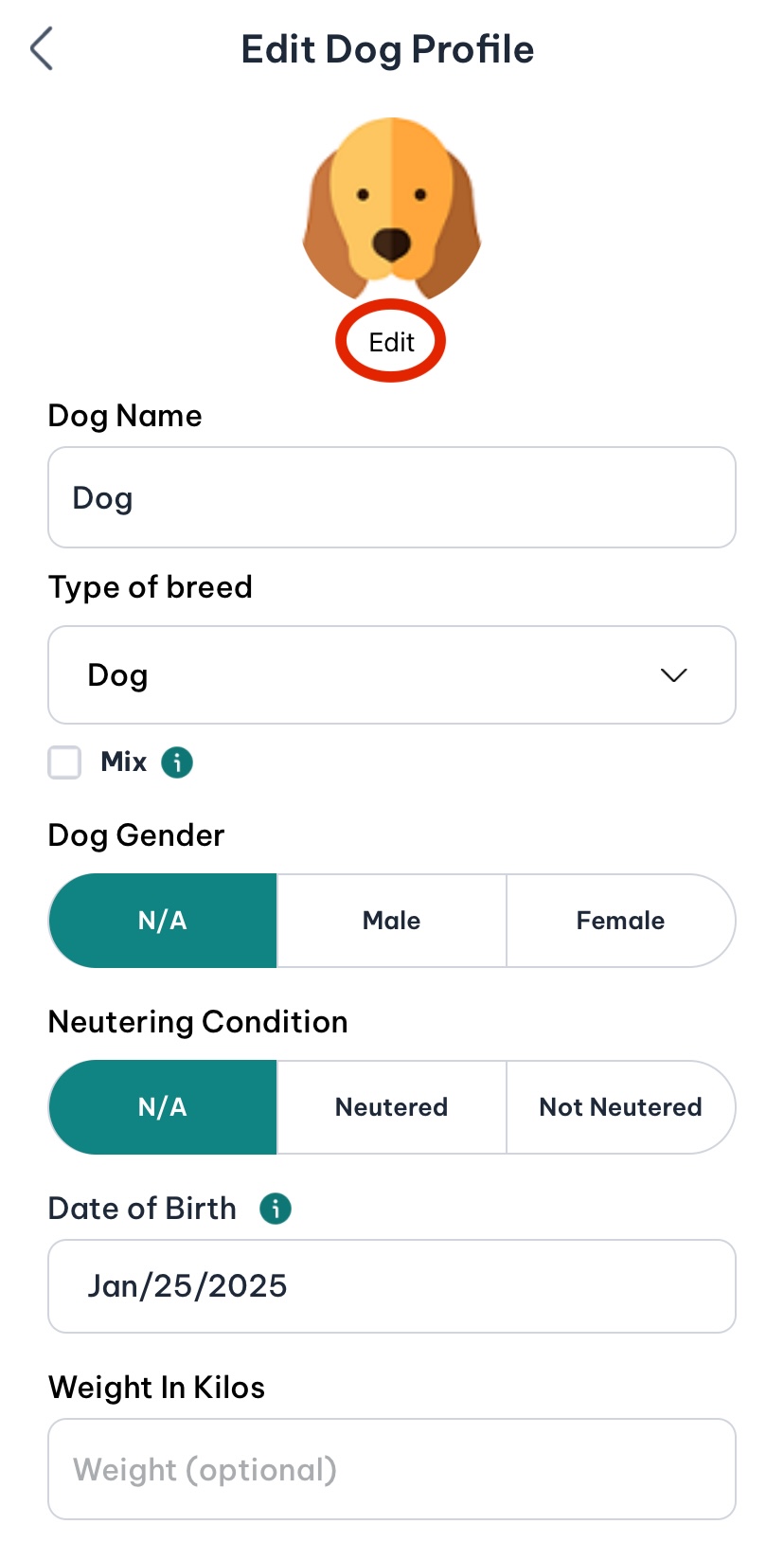
4.Once you’ve chosen your new photo, click “Save”. Your profile picture will update immediately.
 Continue in App
 Continue in