



Back to FAQs
How do I change the dog park finder to satellite mode?
Changing the map to satellite mode is a great way to see how a park looks before going there.
To change the default setting of the map to satellite mode, start by heading over to the map tab. On the left side of the map there is a square with a map image, here you can choose the map type.
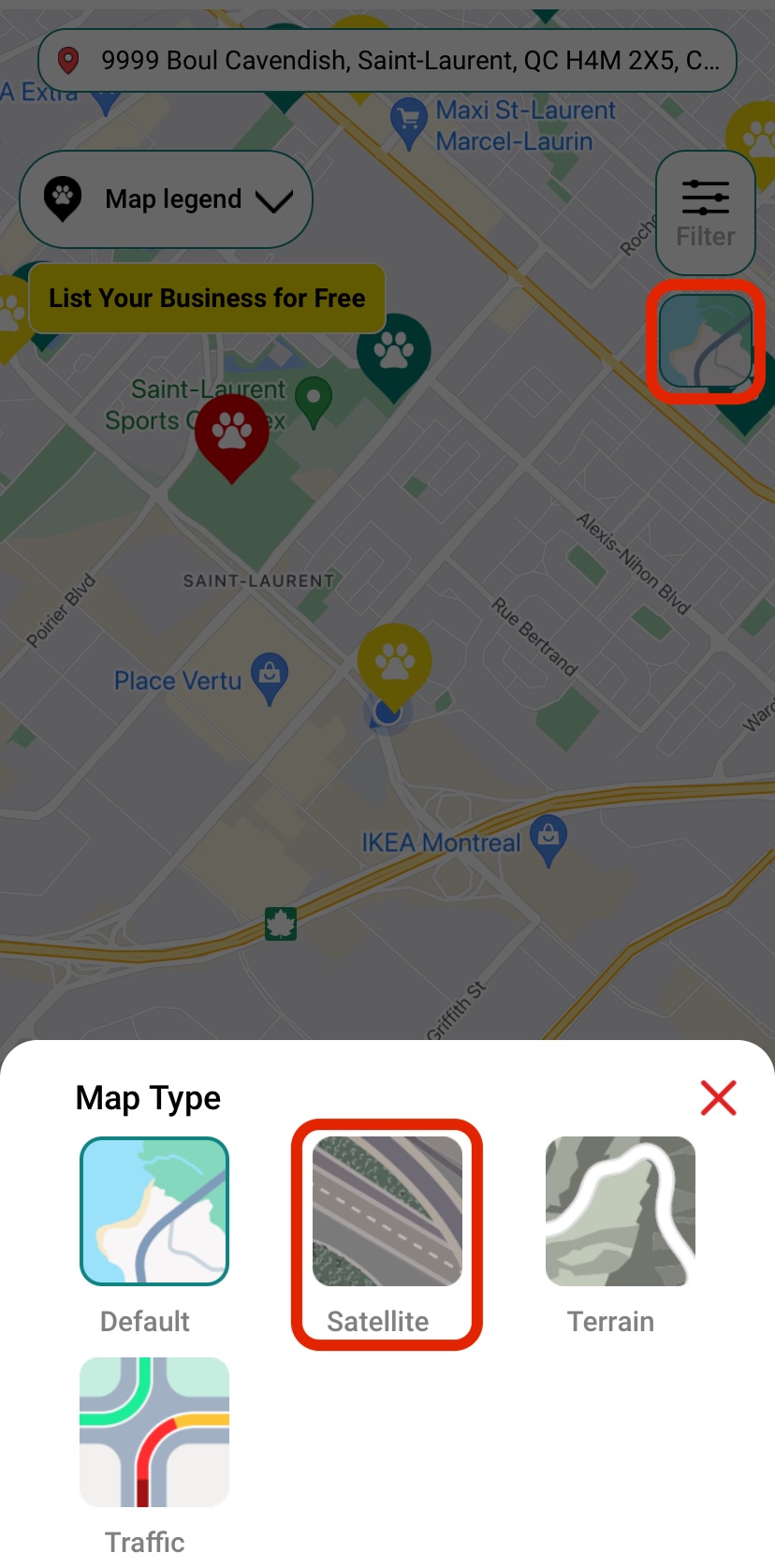
You can then zoom in on a specific park and see how it looks. You can reset the map to the default view by changing the view back to default.
 Continue in App
 Continue in